The Topicweave app · optional
Keep it growing after the install.
The install builds the structure. The app keeps it growing: reports grouped by your topics, a nightly check, ideas from real searches, and approvals where nothing goes live until you say so.
The app is live in beta. Sections marked Live in beta show the real app on our own site’s data; sections marked Coming are clickable prototypes with example data.
Topics Live in beta
Your topics, not a wall of URLs.
Search Console data, grouped by the vocabulary you signed off. See which ideas are growing, which have no proof yet, and what people searched to find them.
On the 1st of each month, a two-minute email: three numbers and three things worth doing.
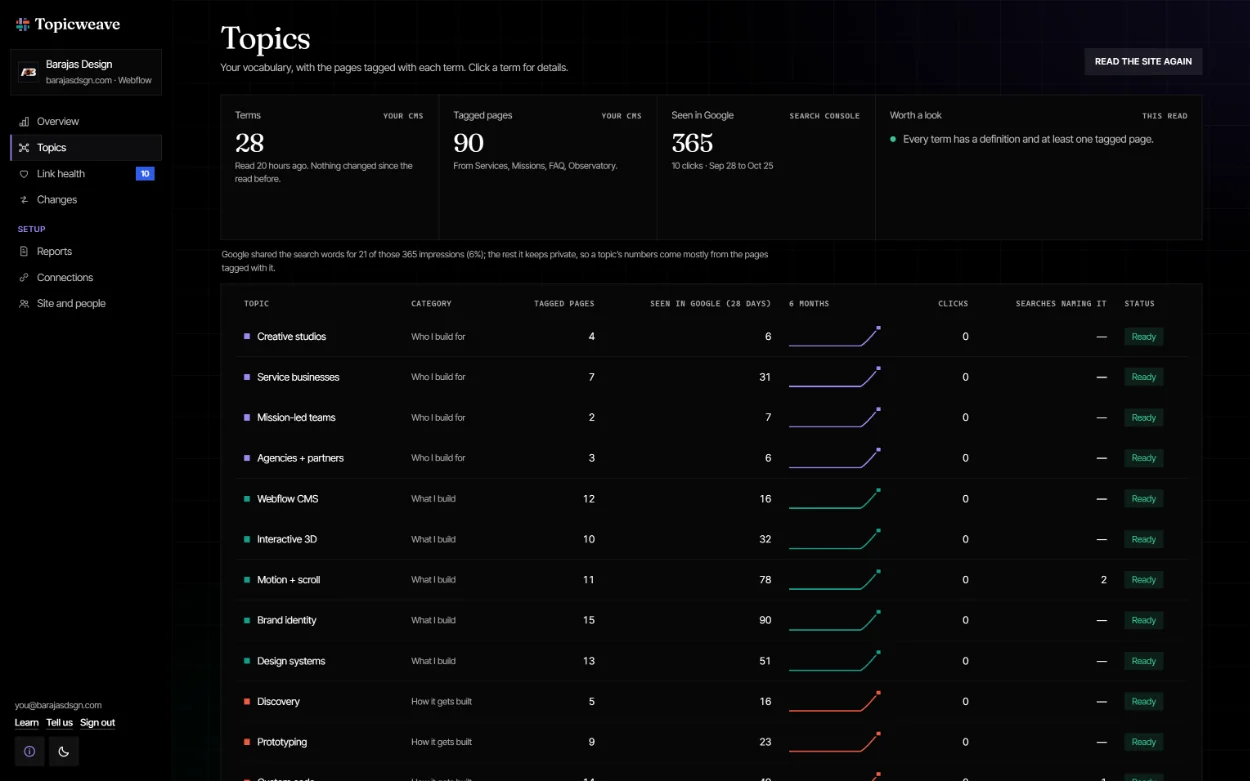
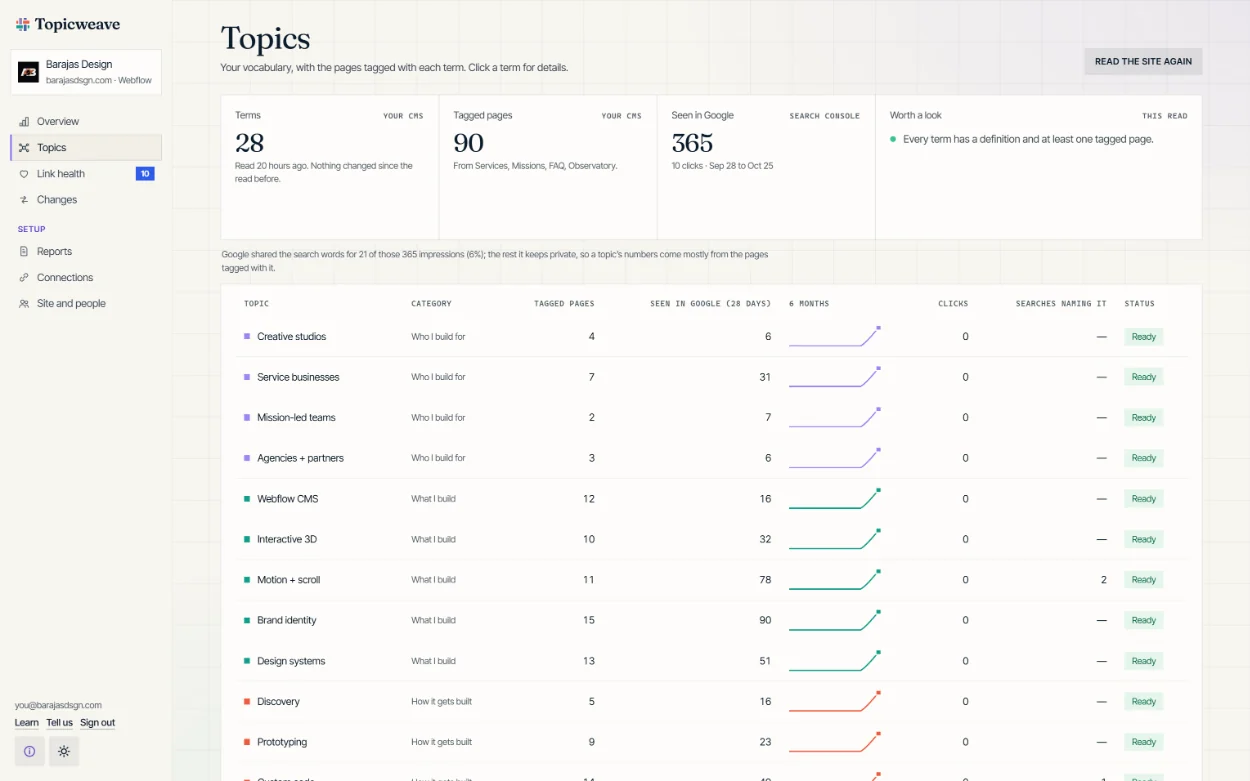
Topics, in the dashboard. Real numbers from the real app on our own site, barajasdsgn.com.
Link health Live in beta
A nightly check for loose ends.
- Topics with no proofa claim with no project behind it
- Untagged pieceswith suggested tags to confirm
- Pages nothing links toonly findable through search
- Missing definitionsthe definition is the topic page
- Structured data errorsread directly by assistants
One score out of 100, with the weights on screen so it’s never a mystery.
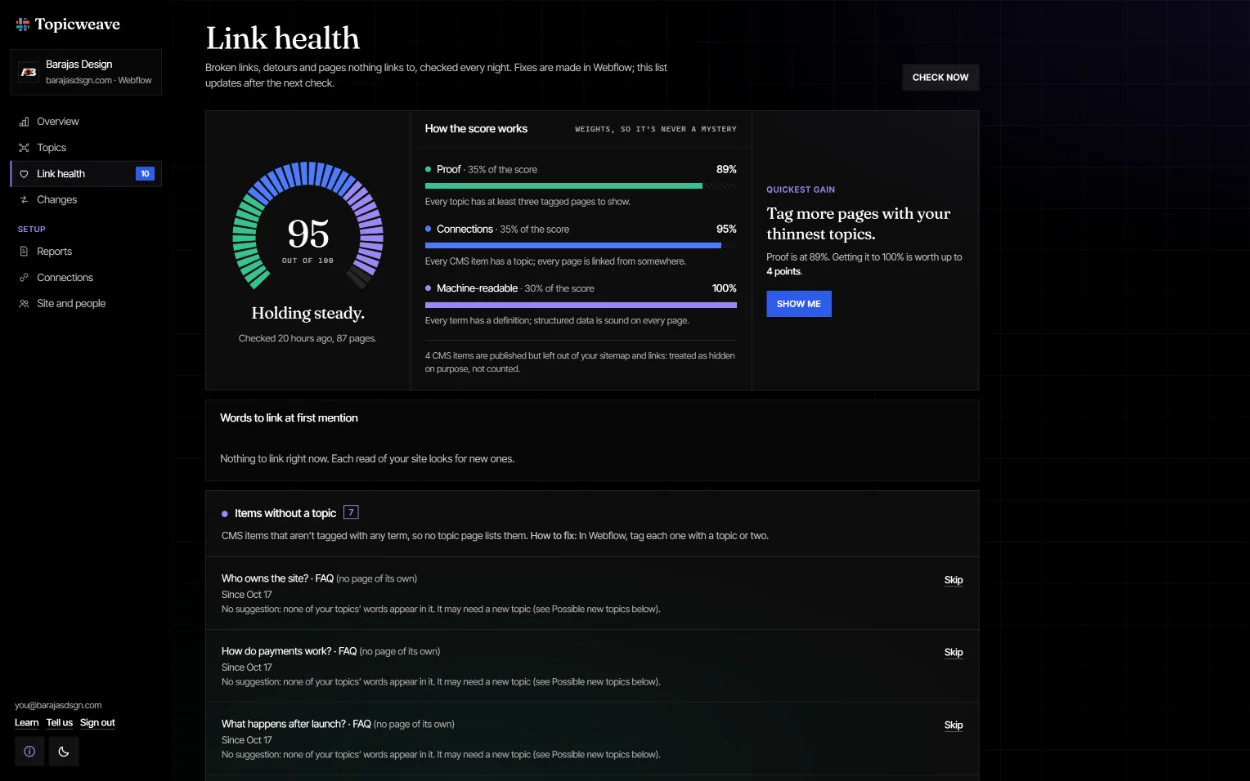
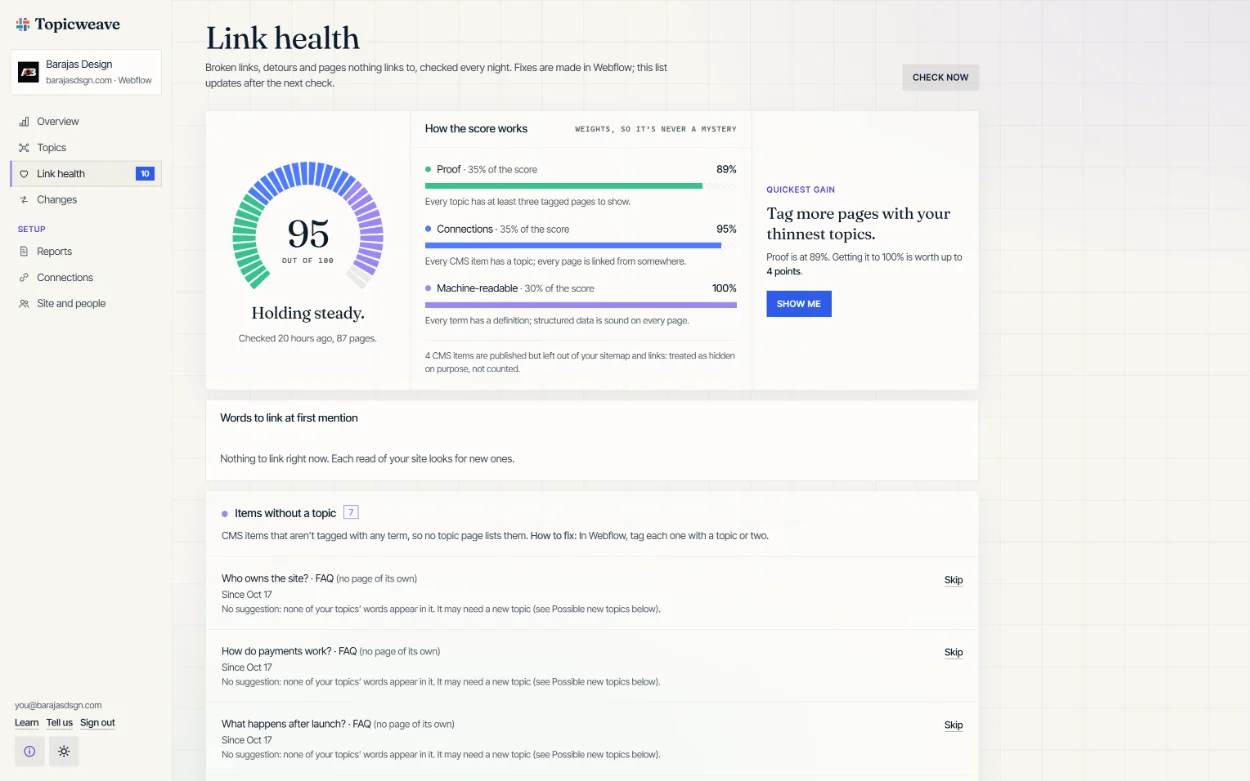
Link health, in the dashboard. Real score from the real app on our own site, barajasdsgn.com.
Search ideas Live in beta
What to write next, with evidence.
Real searches that already show your site but match none of your topics, and the searches that reach a topic with little to show. Each comes with what to write next: an FAQ answer, a short note, or a new topic to create in one click.
Coming: “Draft it” writes a first version in your voice and sends it to review.
- The search“camel lion child philosophy”
- Where it landsA note tagged with the topic Saying no
- The gapSaying no has one tagged page
- Write nextAnswer it head-on, in an FAQ or a short note
- Draft itComing: a first version in your voice
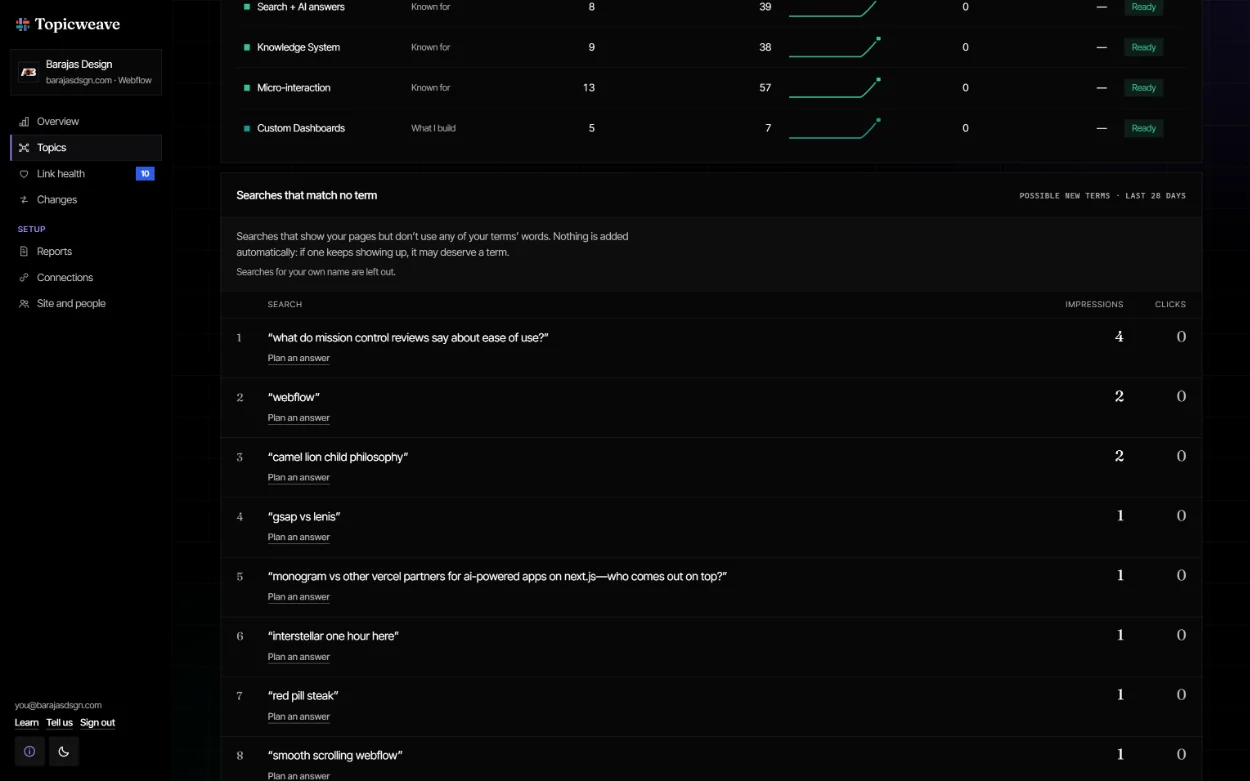
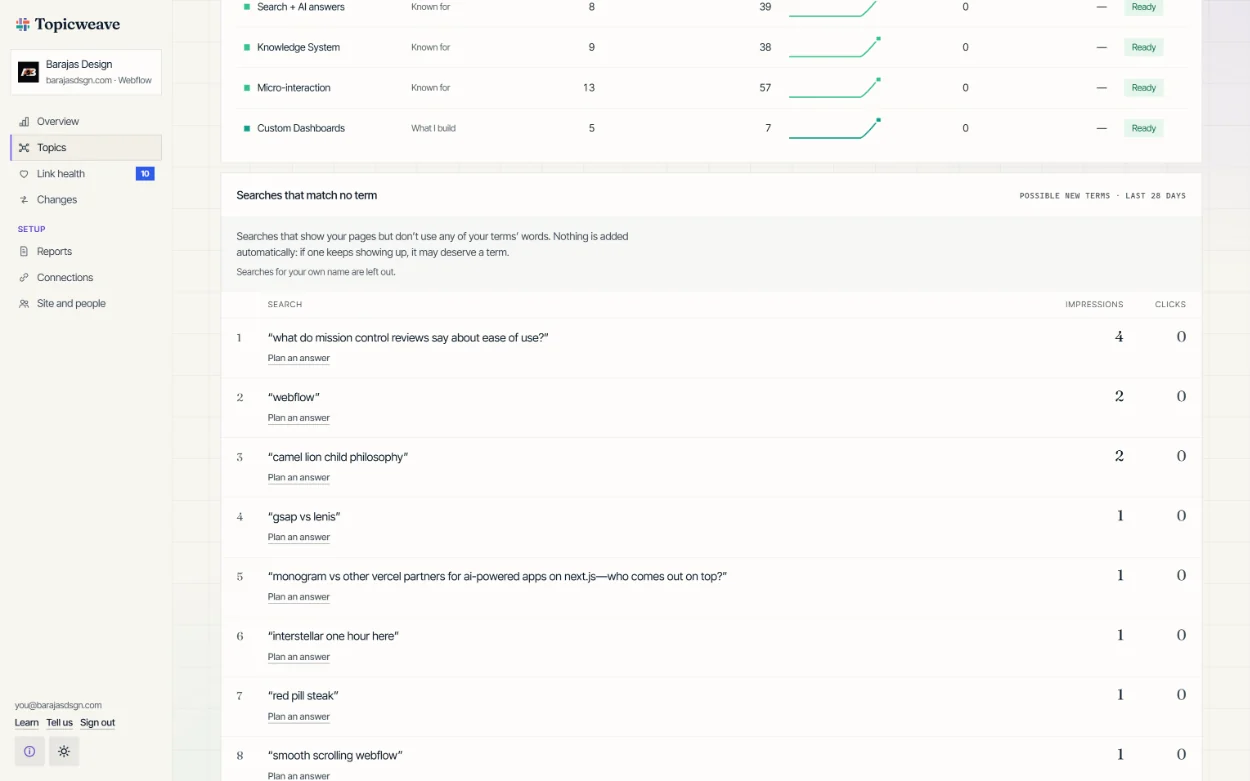
Searches that match no topic, in the dashboard. Real searches from the real app on our own site, barajasdsgn.com.
AI visibility Coming
Two AI signals. No rankings.
Visits sent by assistants Coming
A tiny, cookieless counter on your site notes when a visitor arrives from ChatGPT, Perplexity, Claude or Gemini. No personal data. It undercounts, and says so.
A monthly sample Live, by hand
Your clients’ questions, asked of AI assistants each month, answers saved word for word next to your numbers. What happened, not a promise of what will. Done by hand in the beta; automatic later.
Want daily tracking in the real apps? Use a dedicated tracker alongside Topicweave. They measure; Topicweave builds what they measure.
The screen shown is a prototype with example numbers.
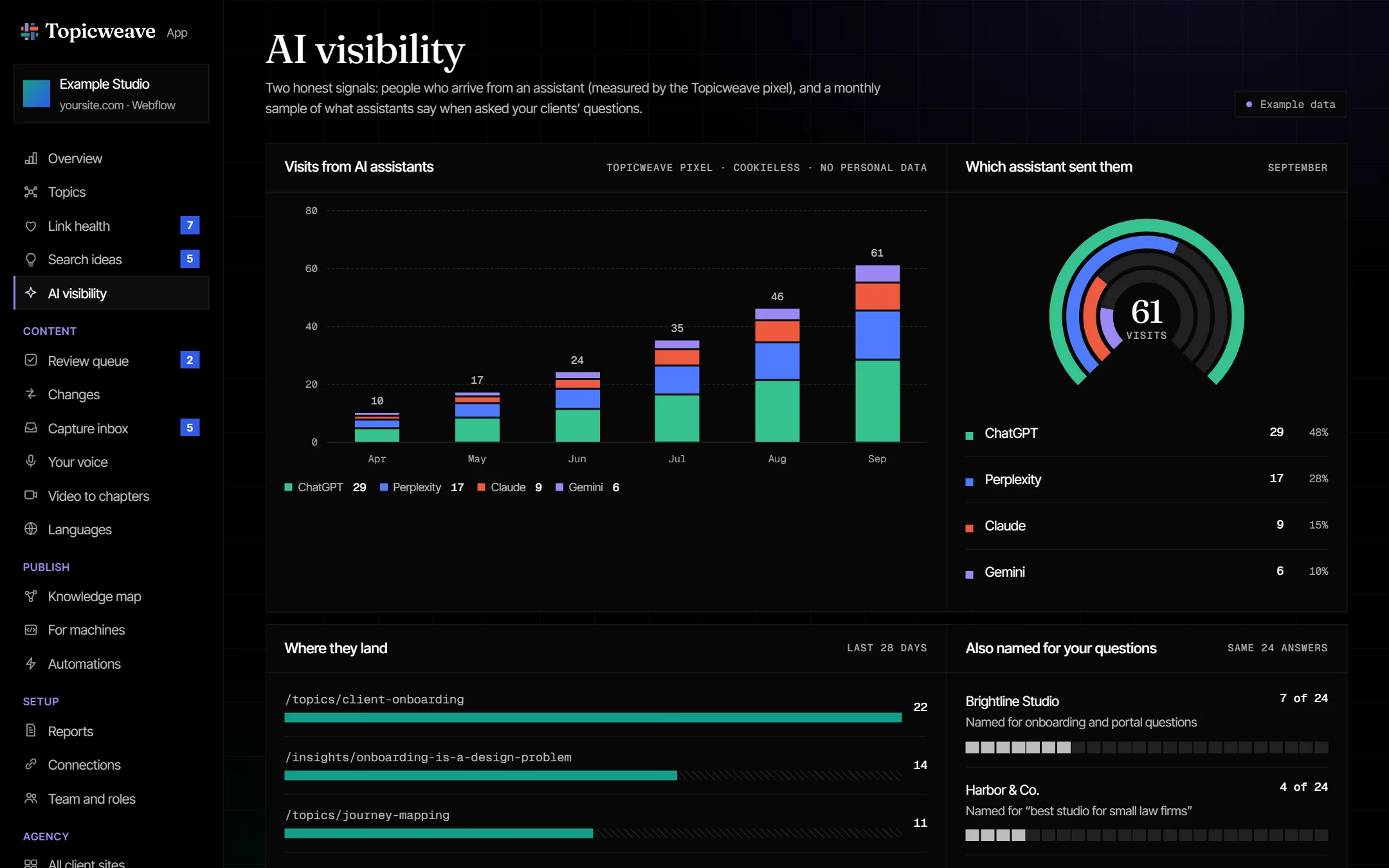
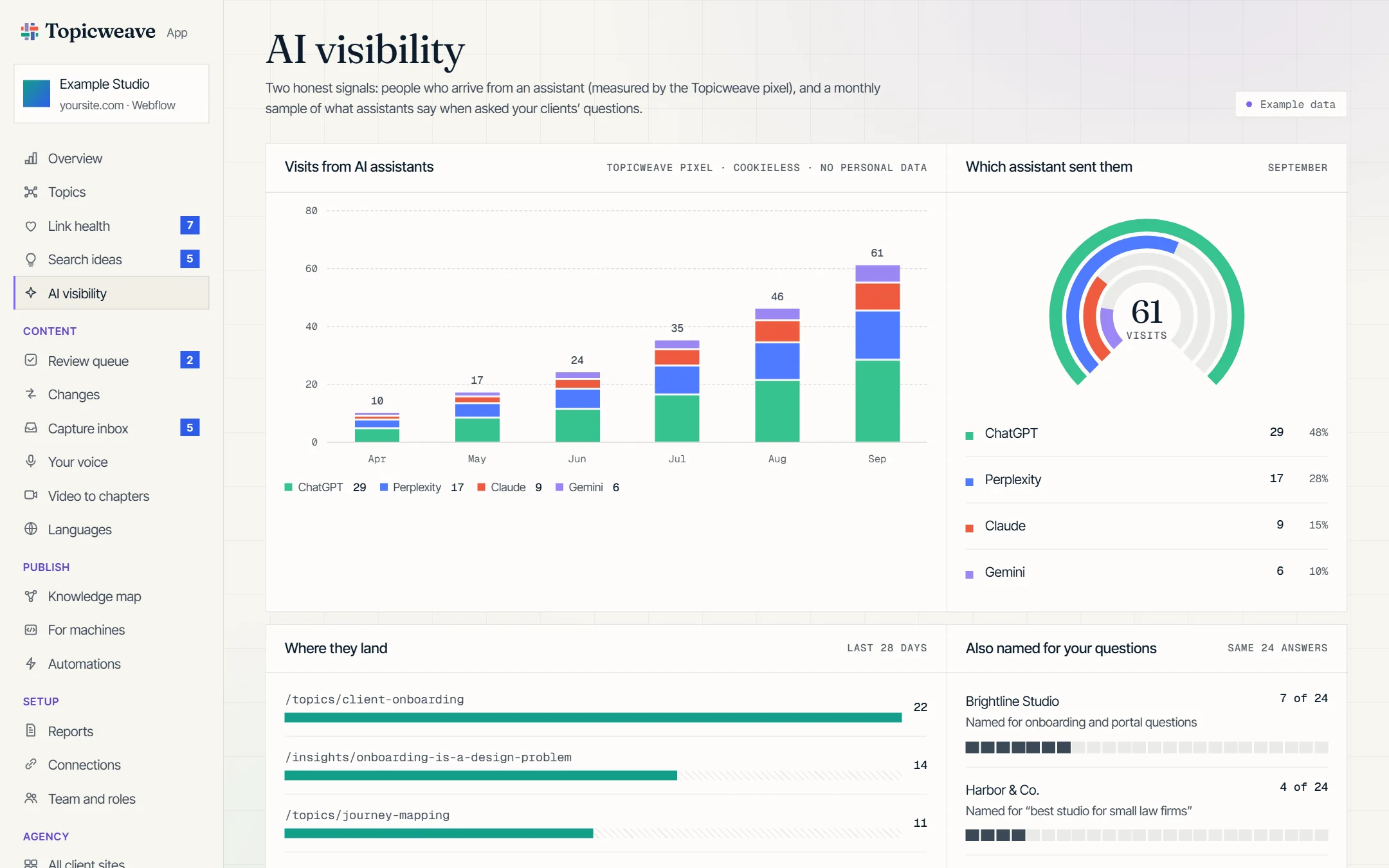
AI visibility, in the dashboard. Open it in the prototype · example data.
Topicweave Capture Coming
Talk it, snap it, share it.
A phone app with no app store to wait on. Tap to talk for a minute or two, photograph a whiteboard, share a link from any app, or jot a quick note. Everything lands in your recent captures, transcribed and tagged from your vocabulary, and becomes a draft only when you say so.
- TalkA minute or two, out loud
- PhotoA whiteboard from the workshop
- LinkShared from any app, with your take
- NoteA thought, before it’s gone
- ApproveFrom your phone, or later
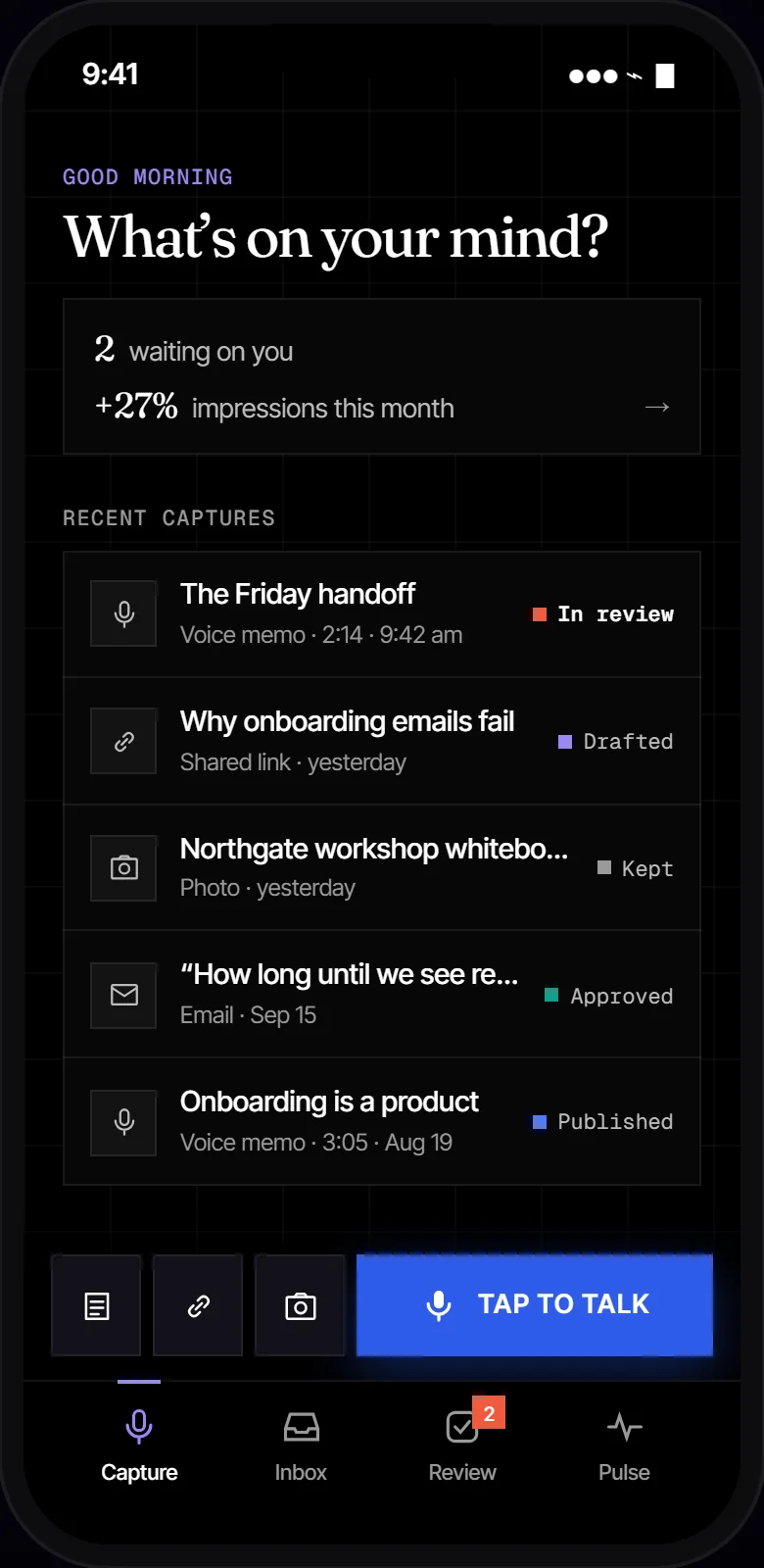
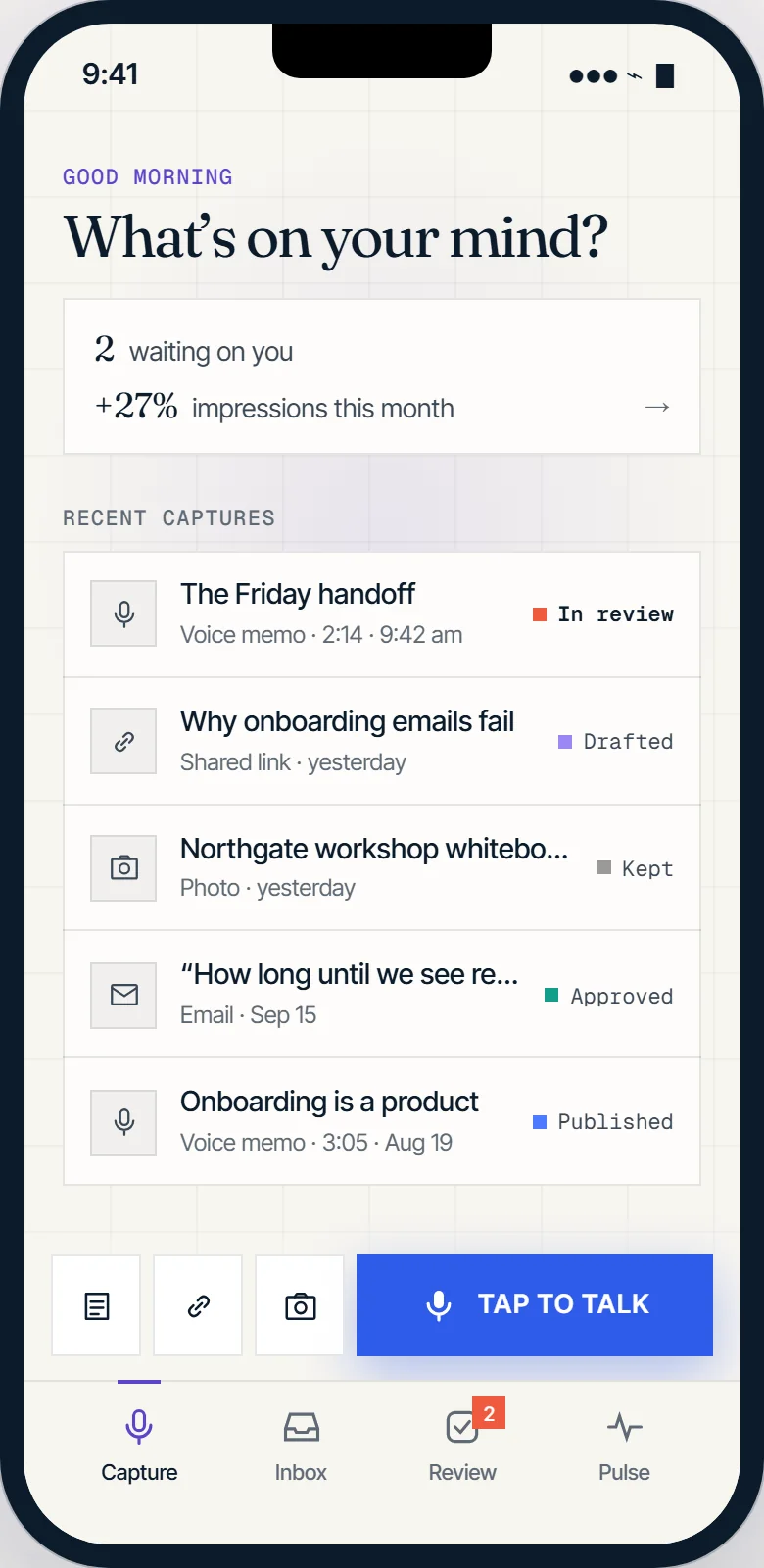
Capture, on your phone. Open it in the prototype · example data.
Approvals and undo Live in beta
Every change shows its before and after.
Links and topic tags wait for you. Each shows exactly what will change, goes live only after you approve it, is checked on the live site, and can be undone in one click. Drafts join the same queue when they arrive.
- Before“Almost every one of them”
- After“Every single one we can remember”
- ApproveLive at your publish time, or now
- UndoOne click, any time after it’s live
- MeasuredComing: against similar pages left alone
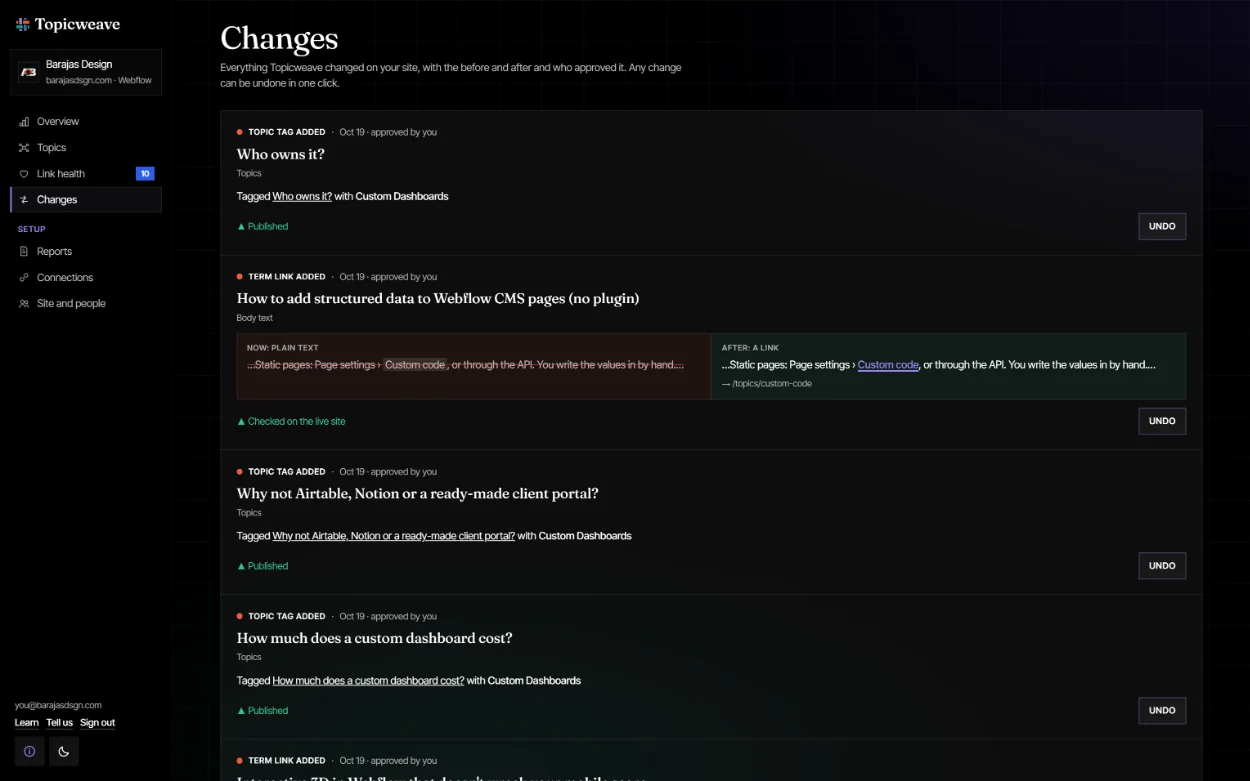
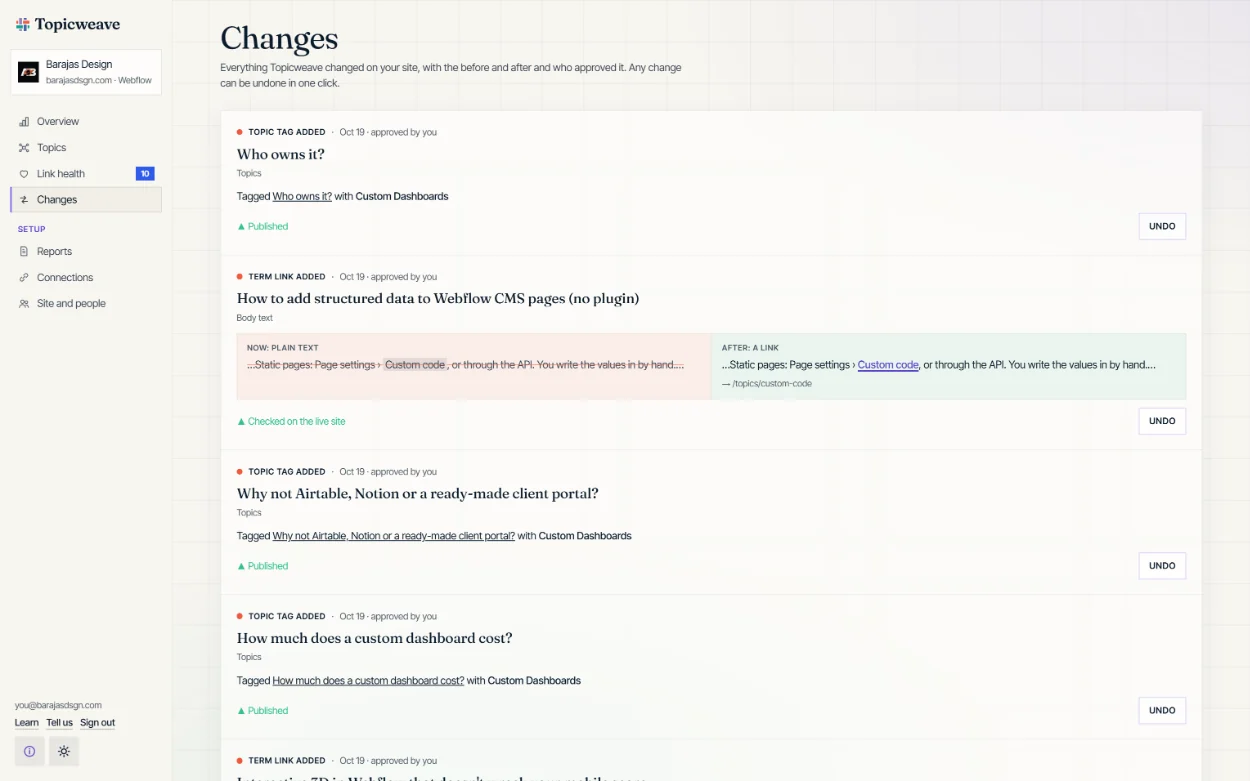
Changes, in the dashboard. Real links from the real app on our own site, barajasdsgn.com, each one undoable.
Your voice Coming
Drafts that sound like you, and keep getting closer.
Ten minutes of talking about your work builds your voice profile. Every draft starts from your own words, and every edit you make teaches the next one.
- TalkAbout ten minutes, in a few short recordings
- WriteAn email or post you were happy with
- EditWhat you change, it remembers
- CloserEdits needed: 31% in August, 12% last month
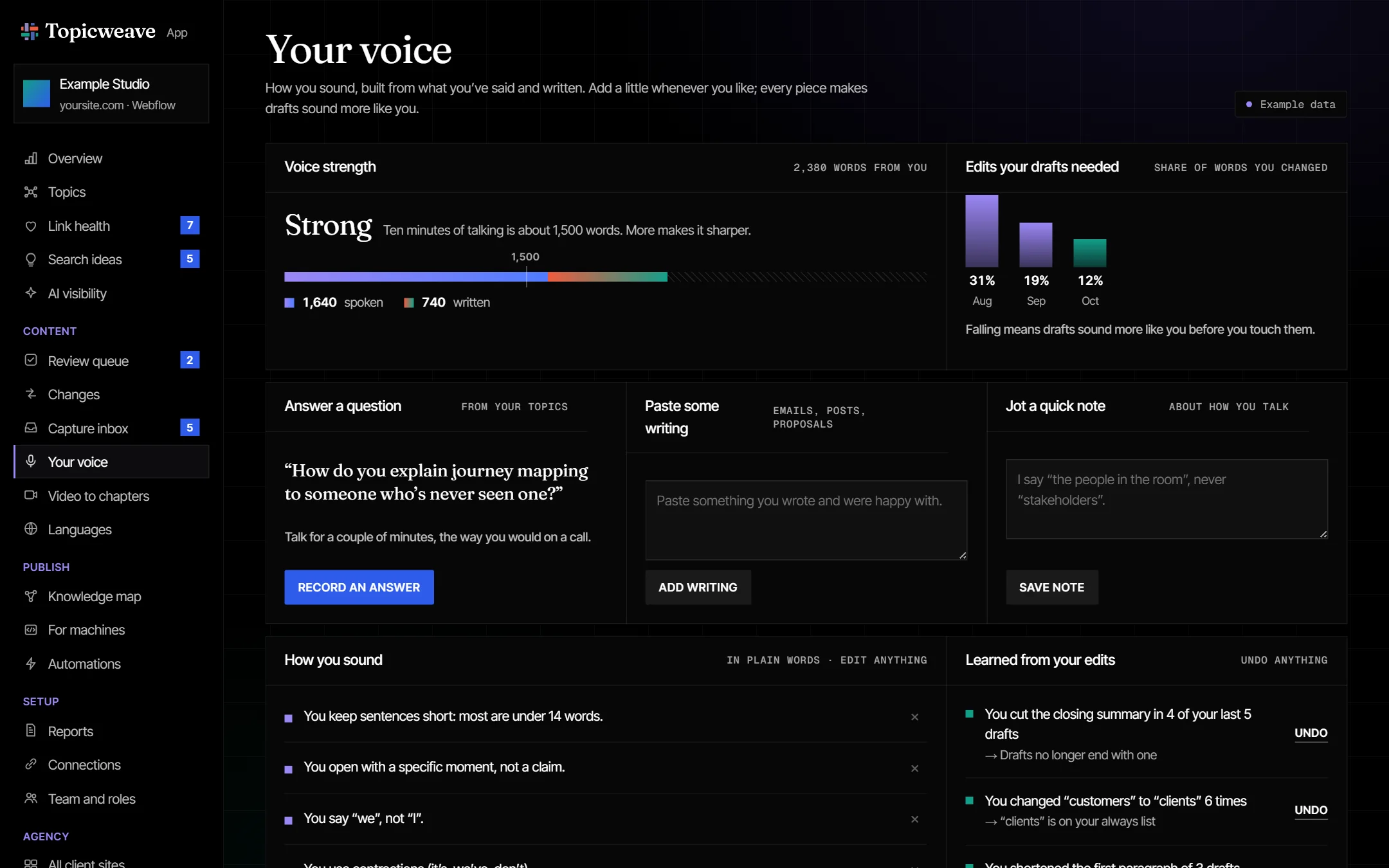
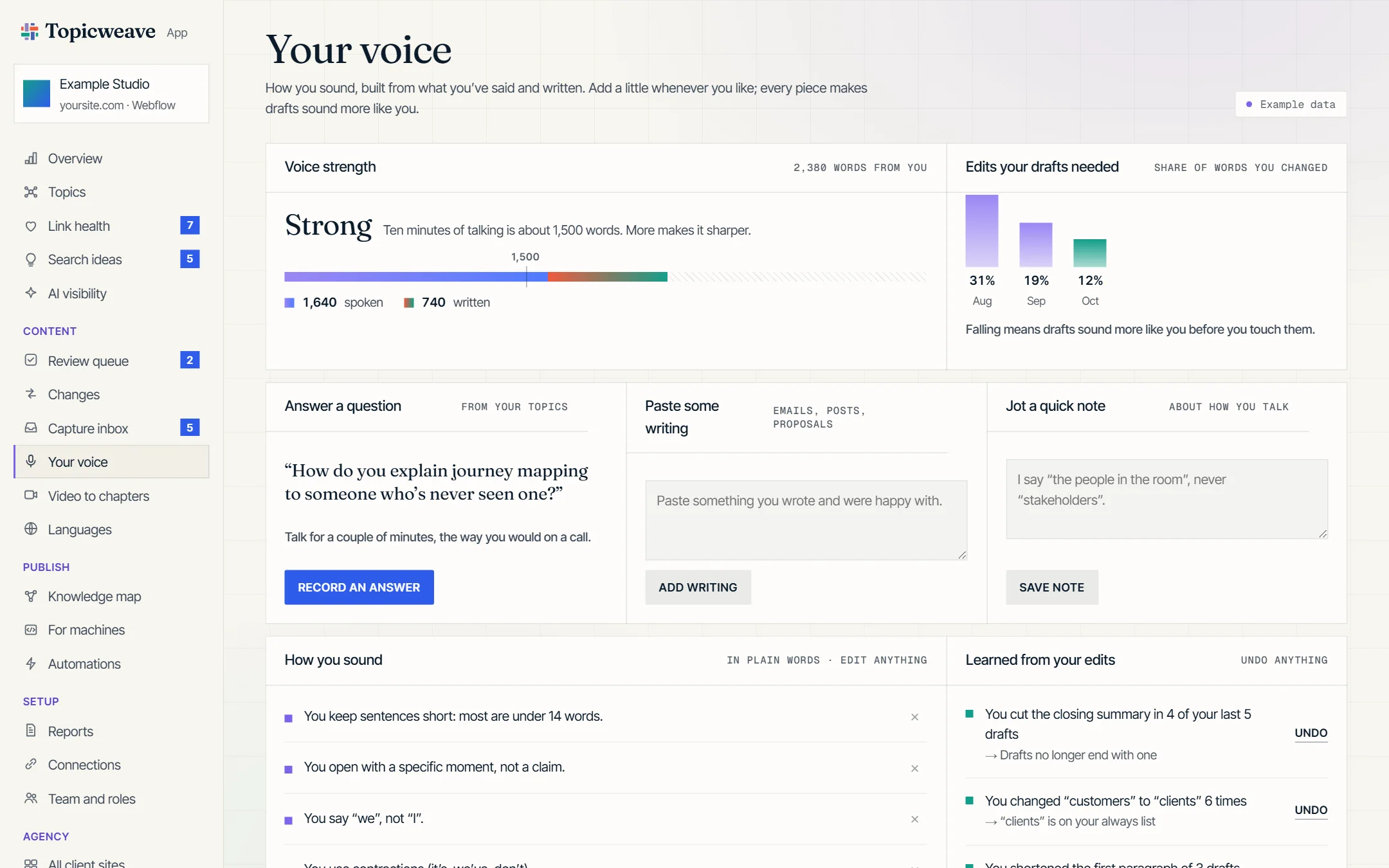
Your voice, in the dashboard. Open it in the prototype · example data.
Inside your CMS Coming
Tag once, right where you write.
A side panel in the editor your team already uses. Accept a suggested topic and it’s tagged; everything else follows from that.
- SuggestionsTopics from your vocabulary, one click to tag
- Connects toThe pages this piece will link to and from
- ChecksA definition missing, a page with no proof
- For machinesThe structured data it will publish
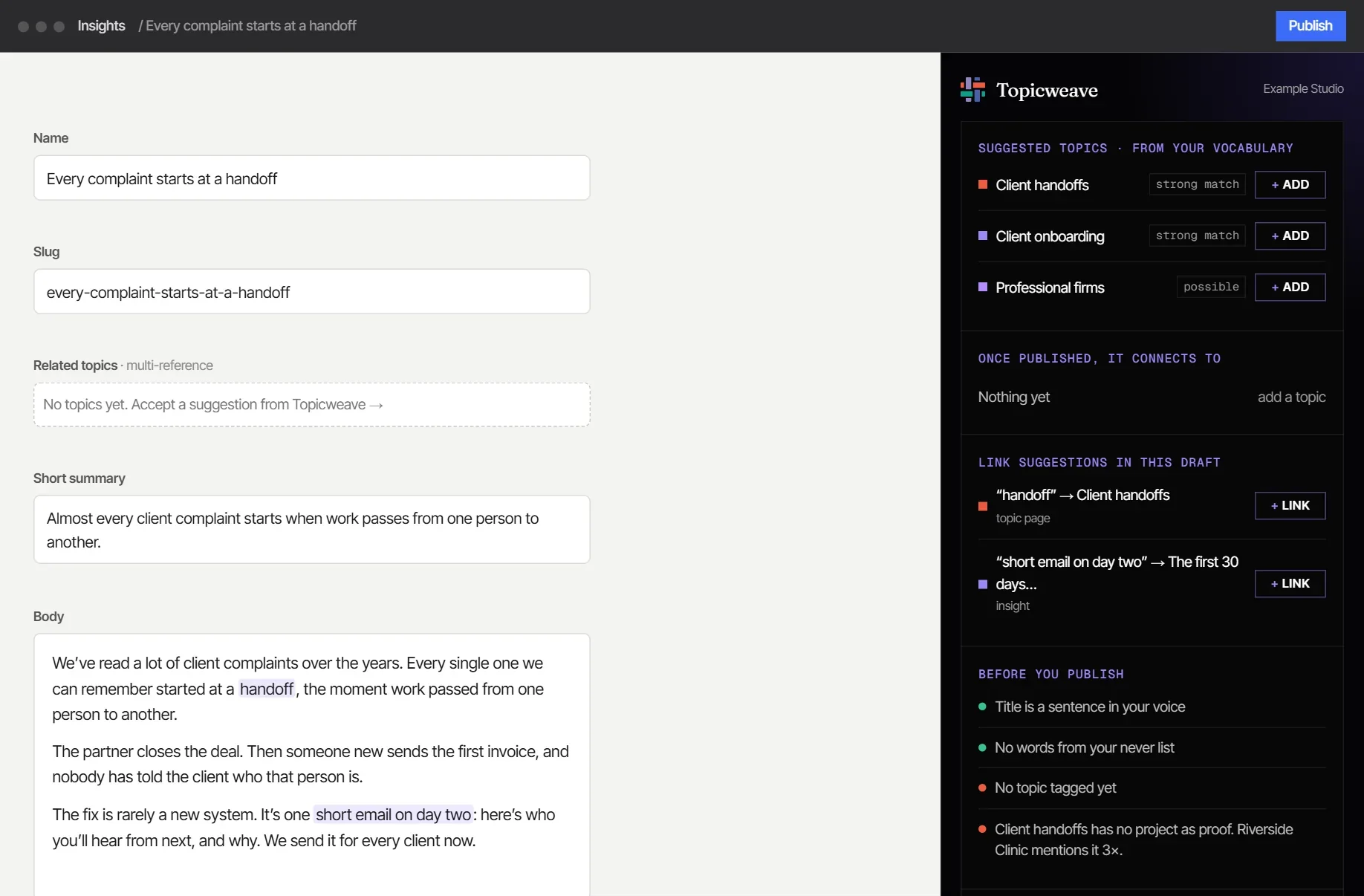
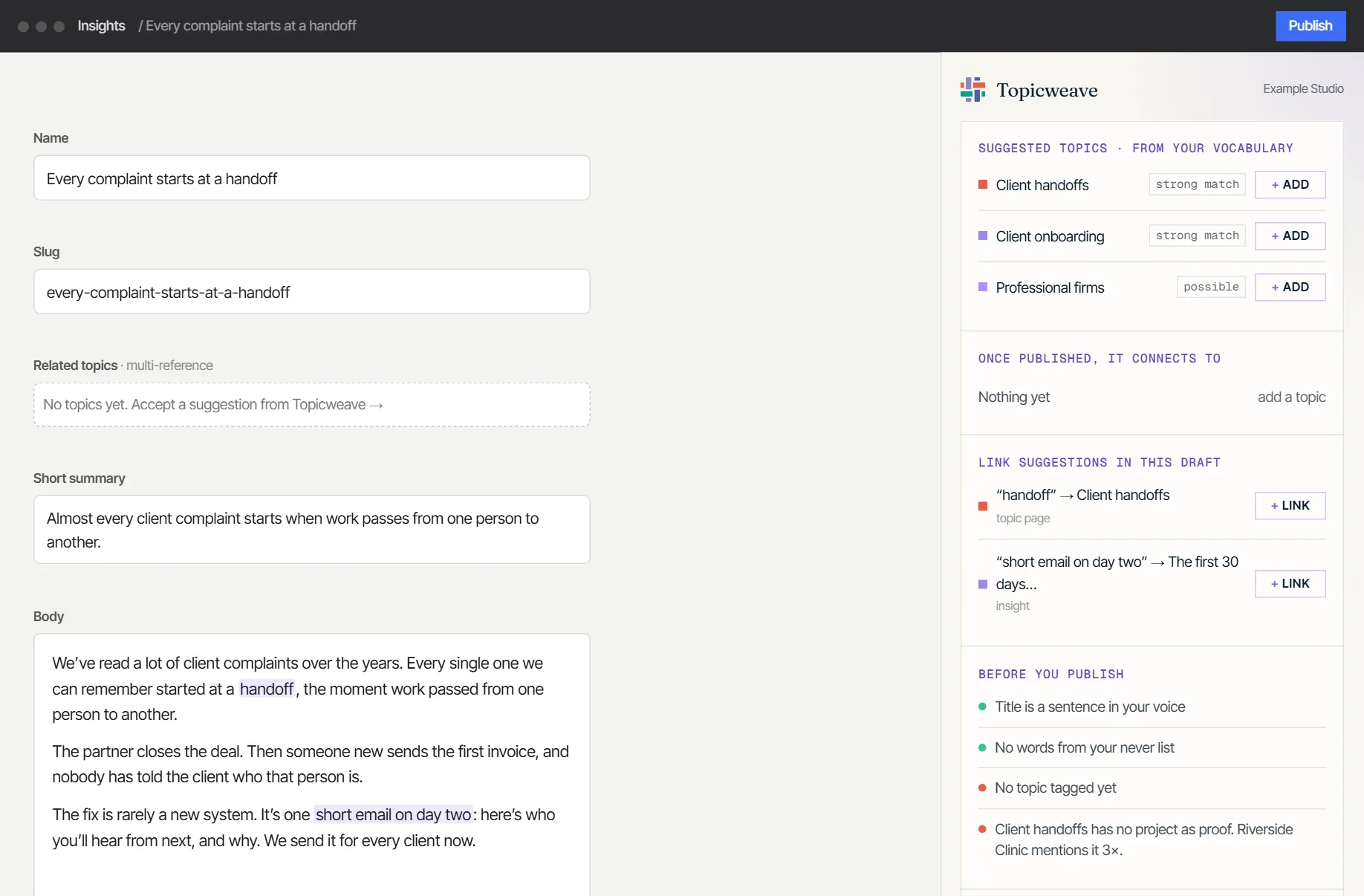
The panel, inside your CMS. Open it in the prototype · example data.
How a month works Live in beta
It reads every night. You decide what changes.
Every night, 2 am
Reads your topics and pages from Webflow, checks every link, and makes new suggestions.
When it suits you
Approve or skip each link and tag, or create a suggested topic. Nothing changes until you do.
At your publish time
It writes only that one field, publishes only that one page, and checks it went live. Undo puts it back exactly.
On the 1st
A short email: what grew, by topic; what’s worth doing next; your link health.
It never deletes anything, never touches your design, and only reads from Google.
Optional, monthly
Cancel the app, keep the site.
The app reads your site and suggests changes, and it writes only what you approve. Your content, links and topic pages live in your own CMS, so stopping the plan loses the dashboard, never the work.